
productivity
What Are the Main Benefits of Using AI for Repetitive Typing Tasks?
AI removes the repetitive part of typing without removing the personal part. Here are the concrete benefits — speed, co…
May 6, 2026
AIrepetitive typing
15 articles in this category
AI removes the repetitive part of typing without removing the personal part. Here are the concrete benefits — speed, co…
Most knowledge workers save 20-60 minutes a day after one week with an AI text expander, climbing to 4-7 hours per week…

AI text commands speed up your daily workflow by turning a short trigger into a full email, summary, or rewrite — witho…
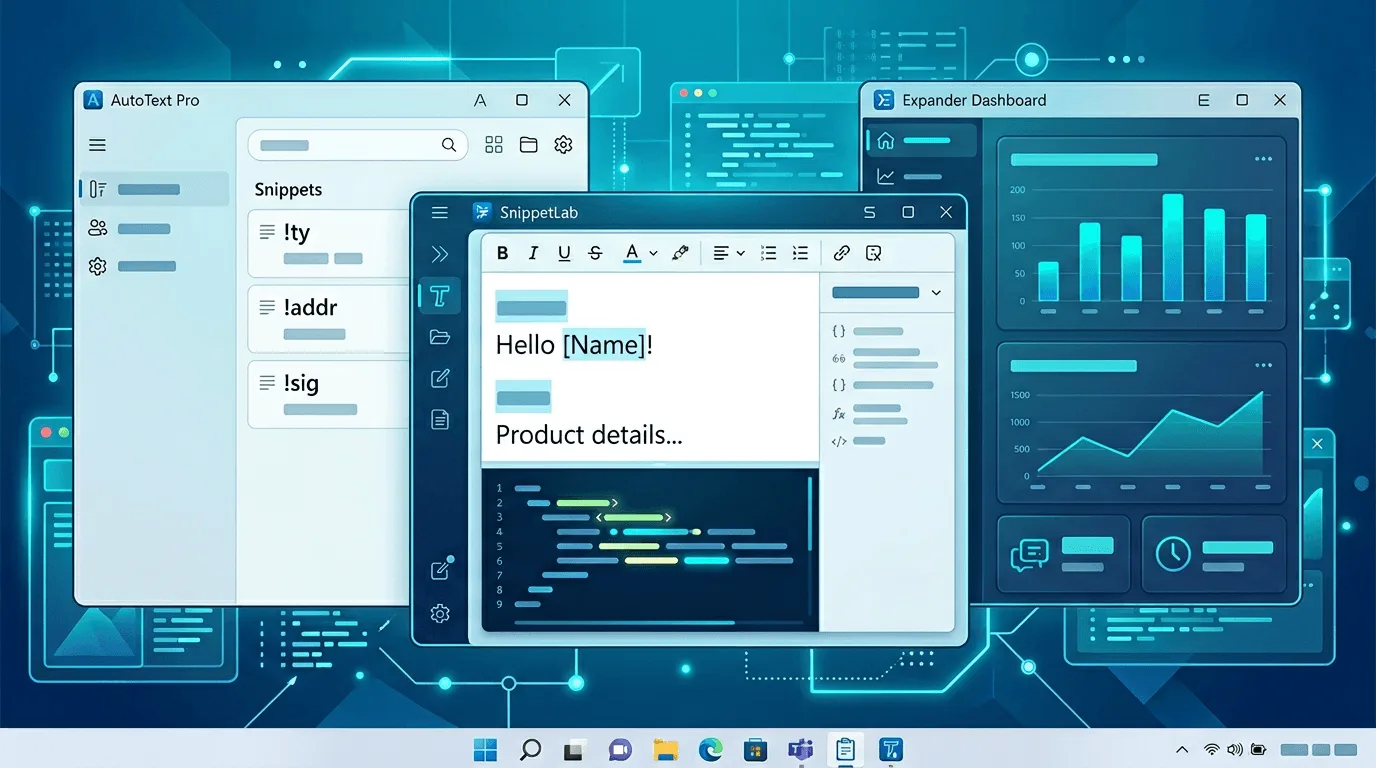
Honest picks for automating typing on Windows without spending: PowerToys, AutoHotkey, Espanso, clipboard managers—and …
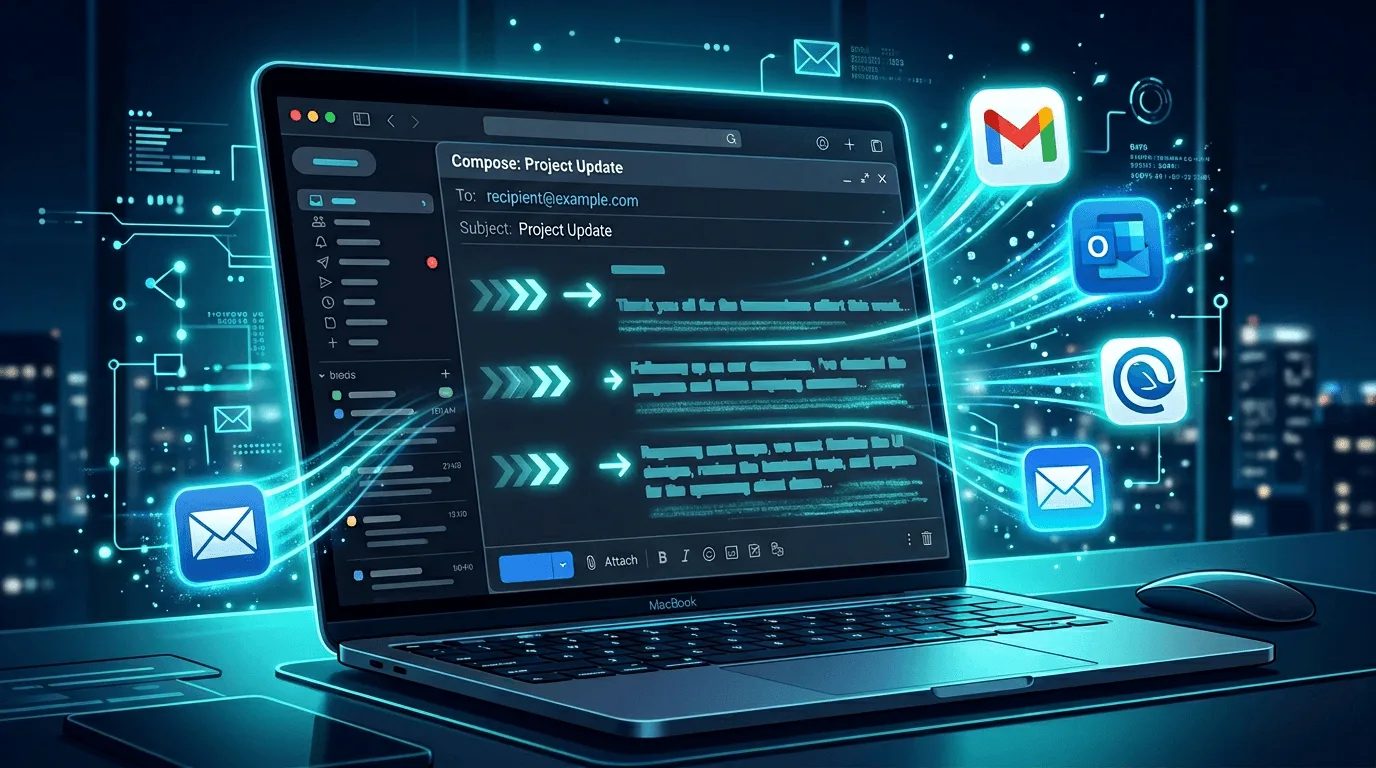
Practical ways to stop retyping identical emails: templates, text expansion, team standards, and when to add AI—without…
Canned responses and text expanders both save you from retyping the same content. But they work differently and serve d…
Learn how to automate repetitive typing with text expansion software. Stop typing the same emails, responses, and templ…
Learn how to type faster on Windows with 7 proven methods including text expansion, keyboard shortcuts, voice-to-text, …
Use a text expander for email in Gmail, Outlook, and any client. Insert signatures, templates, and quick replies by typ…

Best productivity tools for solopreneurs in 2026. Text expansion, AI, voice-to-text, and automation that work when you'…
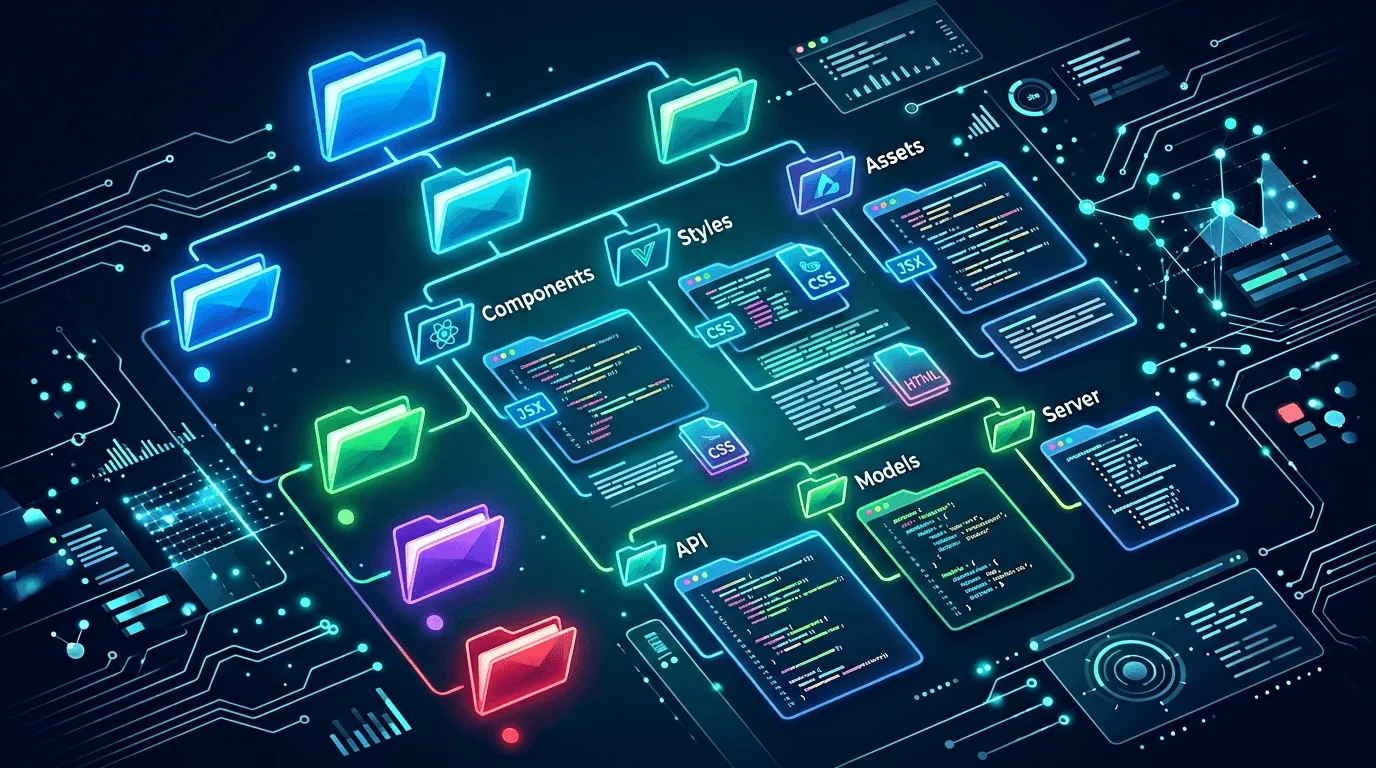
Learn how to organize your text expansion snippets for maximum efficiency. Discover folder structures, naming conventio…

Discover how writers can use text expansion to boost productivity. Learn tips, tricks, and best practices for content c…
Discover 10 powerful productivity hacks using Lightning Assist AI commands. Learn how to automate email writing, conten…

Learn how to automate customer support responses using Lightning Assist. Save time while maintaining personalization an…
Discover 10 powerful ways developers can use Lightning Assist to save hours every week. From code snippets to email tem…