
What Are the Main Benefits of Using AI for Repetitive Typing Tasks?
AI removes the repetitive part of typing without removing the personal part. Here are the concrete benefits — speed, consistency, tone control, and lower mental load.

CEO, Lightning Assist
CEO at Lightning Assist S.R.L. Focuses on productivity strategy, customer success, and helping founders and small teams scale daily workflows through AI-driven text and voice automation.

AI removes the repetitive part of typing without removing the personal part. Here are the concrete benefits — speed, consistency, tone control, and lower mental load.

A step-by-step beginner's guide to setting up an AI text expander in 2026: what to install, how to create your first snippet, and which AI commands to try first.

Most knowledge workers save 20-60 minutes a day after one week with an AI text expander, climbing to 4-7 hours per week at steady state. Here's the math, with sources.

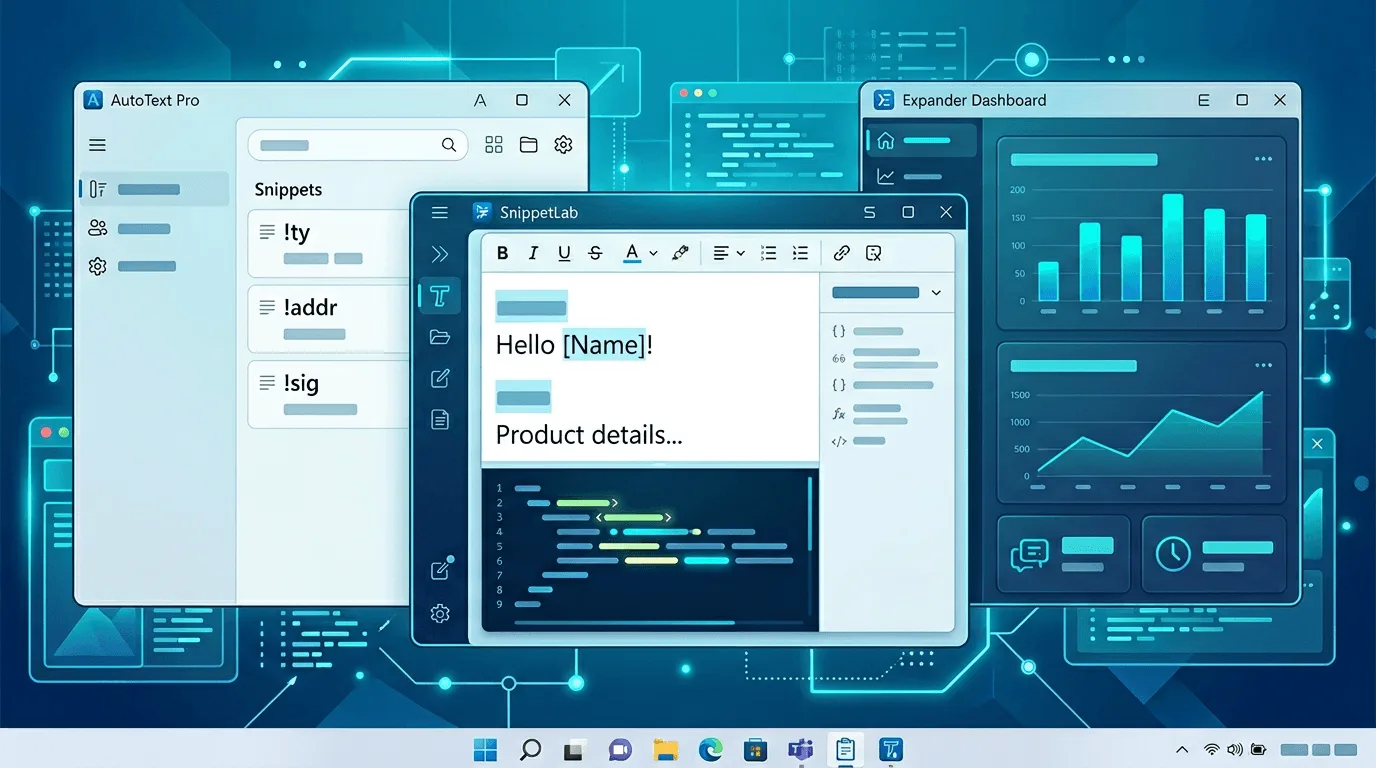
AI text commands speed up your daily workflow by turning a short trigger into a full email, summary, or rewrite — without leaving the app you're typing in.

Comprehensive comparison of the best text expander alternatives in 2026. Compare Lightning Assist, TextExpander, PhraseExpress, and more.

Honest picks for automating typing on Windows without spending: PowerToys, AutoHotkey, Espanso, clipboard managers—and when a paid text expander saves more than it costs.

Practical ways to stop retyping identical emails: templates, text expansion, team standards, and when to add AI—without sounding robotic.

Canned responses and text expanders both save you from retyping the same content. But they work differently and serve different use cases. Here's when to use each.

TextExpander's pricing has increased significantly. Here are 5 alternatives that cost less — or nothing — without giving up the features you rely on.

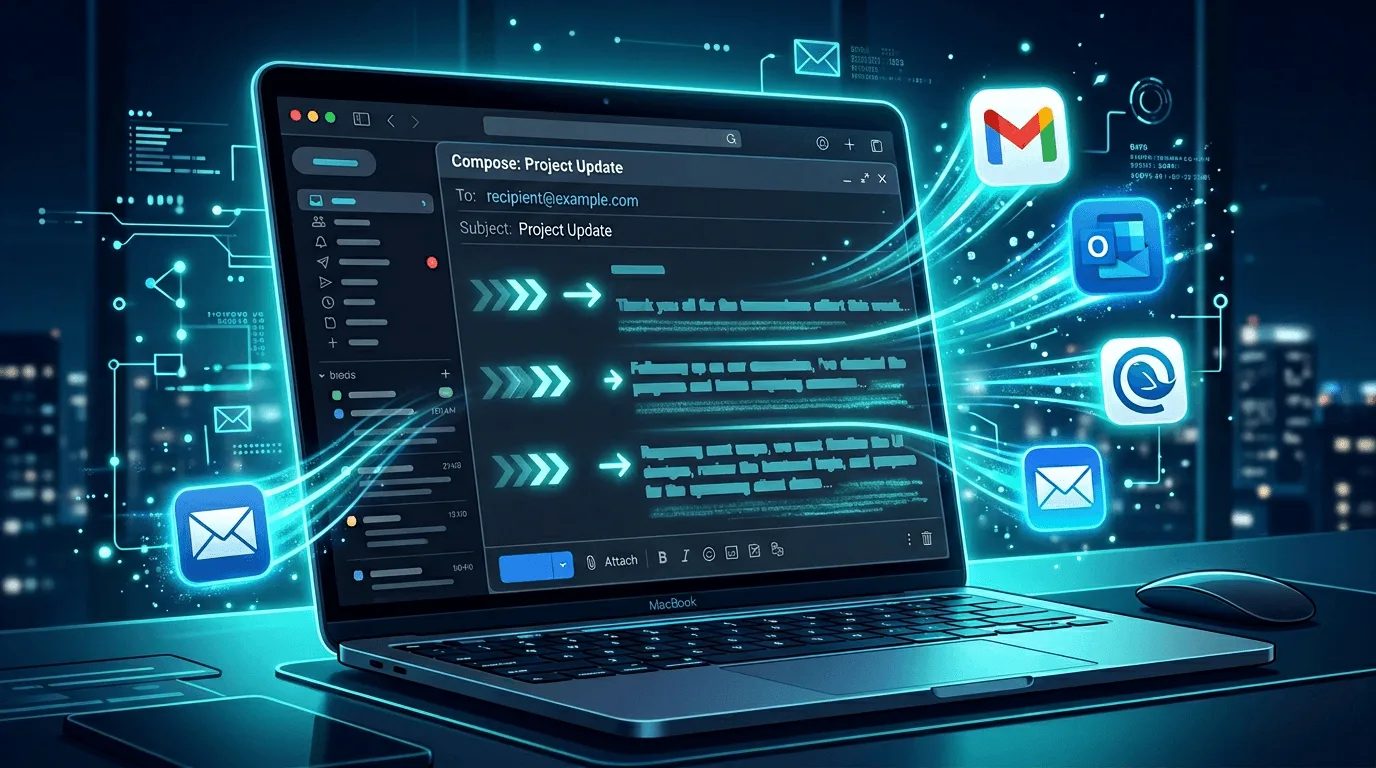
Use a text expander for email in Gmail, Outlook, and any client. Insert signatures, templates, and quick replies instantly. Desktop tool that works everywhere.

Best productivity tools for solopreneurs in 2026. Text expansion, AI, voice-to-text, and automation that work when you're the only one running the show.

An honest look at genuinely free text expander tools in 2026 — Espanso, AutoHotkey, TextBlaze, and where Lightning Assist fits if free tools fall short.

Discover how writers can use text expansion to boost productivity. Learn tips, tricks, and best practices for content creators and writers.

Discover 10 powerful productivity hacks using Lightning Assist AI commands. Learn how to automate email writing, content generation, and more.

Learn how to automate customer support responses using Lightning Assist. Save time while maintaining personalization and improving response times.