Can I Use Push-to-Talk Voice Typing in My Email and Chat Apps?
Yes — push-to-talk voice typing works inside Gmail, Outlook, Slack, Teams, Discord, and any other desktop app, when the tool sits at the operating-system level. Here's how it wo...

CTO, Lightning Assist
CTO at Lightning Assist S.R.L. Builds the desktop apps for Windows, macOS, and Linux. Writes on text expansion engines, push-to-talk voice typing, cross-platform desktop architecture, and security.

Yes — push-to-talk voice typing works inside Gmail, Outlook, Slack, Teams, Discord, and any other desktop app, when the tool sits at the operating-system level. Here's how it wo...

Detailed comparison between Lightning Assist and PhraseExpress. Compare features, pricing, platform support, and find the best text expander for your needs.

Comprehensive comparison between Lightning Assist and TextExpander. Discover which text expansion tool is right for your needs in 2026.

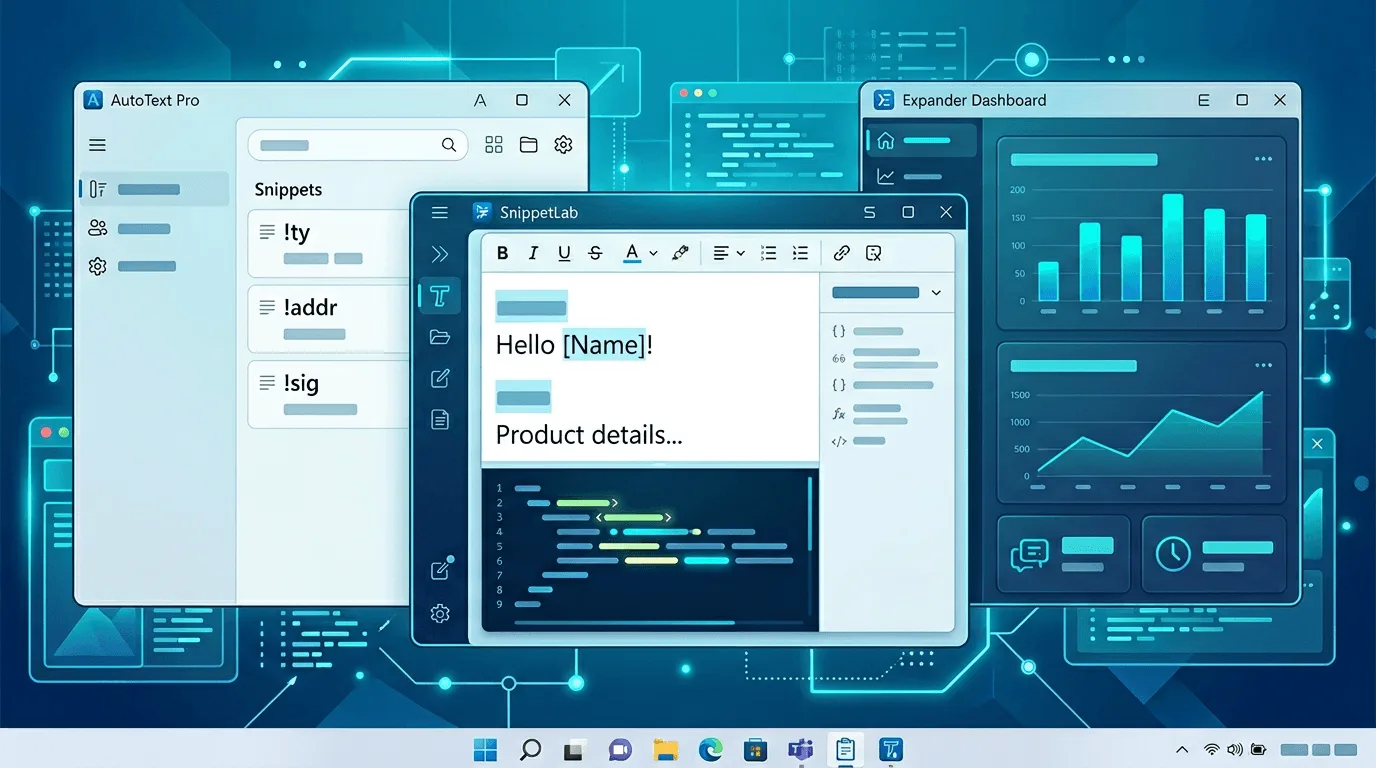
Build reusable text templates that work in browsers, IDEs, and chat: naming, storage, variables, team sync, and when to use OS-level expansion vs in-app macros.

AutoHotkey is powerful but requires writing scripts. Here are the best AutoHotkey alternatives in 2026 for users who want automation without coding.

Looking for the best text expander for Mac in 2026? We compare the top options — TextExpander, aText, Typinator, Espanso, and Lightning Assist — so you can pick the right one.

Espanso not working on Windows, Mac, or Linux? Here are the most common causes and step-by-step fixes — plus what to do if you're ready for a graphical alternative.

Compare the best speech-to-text software for desktop in 2026. We review Lightning Assist, Windows Speech Recognition, Google Docs Voice Typing, Dragon NaturallySpeaking, and more.

Compare the best text expander software for Windows in 2026. We review Lightning Assist, TextExpander, PhraseExpress, AutoHotkey, and Espanso with features, pricing, and recomme...

Learn how to automate repetitive typing with text expansion software. Stop typing the same emails, responses, and templates over and over. Save hours every week.

Learn how to type faster on Windows with 7 proven methods including text expansion, keyboard shortcuts, voice-to-text, and AI-powered writing tools. Stop wasting time on repetit...

Learn advanced techniques for using AI commands in Lightning Assist. Master complex automation workflows and boost your productivity to the next level.

Learn how to set up Lightning Assist for maximum productivity. This comprehensive guide covers installation, configuration, and best practices for teams.

Discover 10 powerful ways developers can use Lightning Assist to save hours every week. From code snippets to email templates, boost your coding productivity.

Complete step-by-step installation guide for Lightning Assist on Windows, macOS, and Linux. Get started with text expansion in minutes.

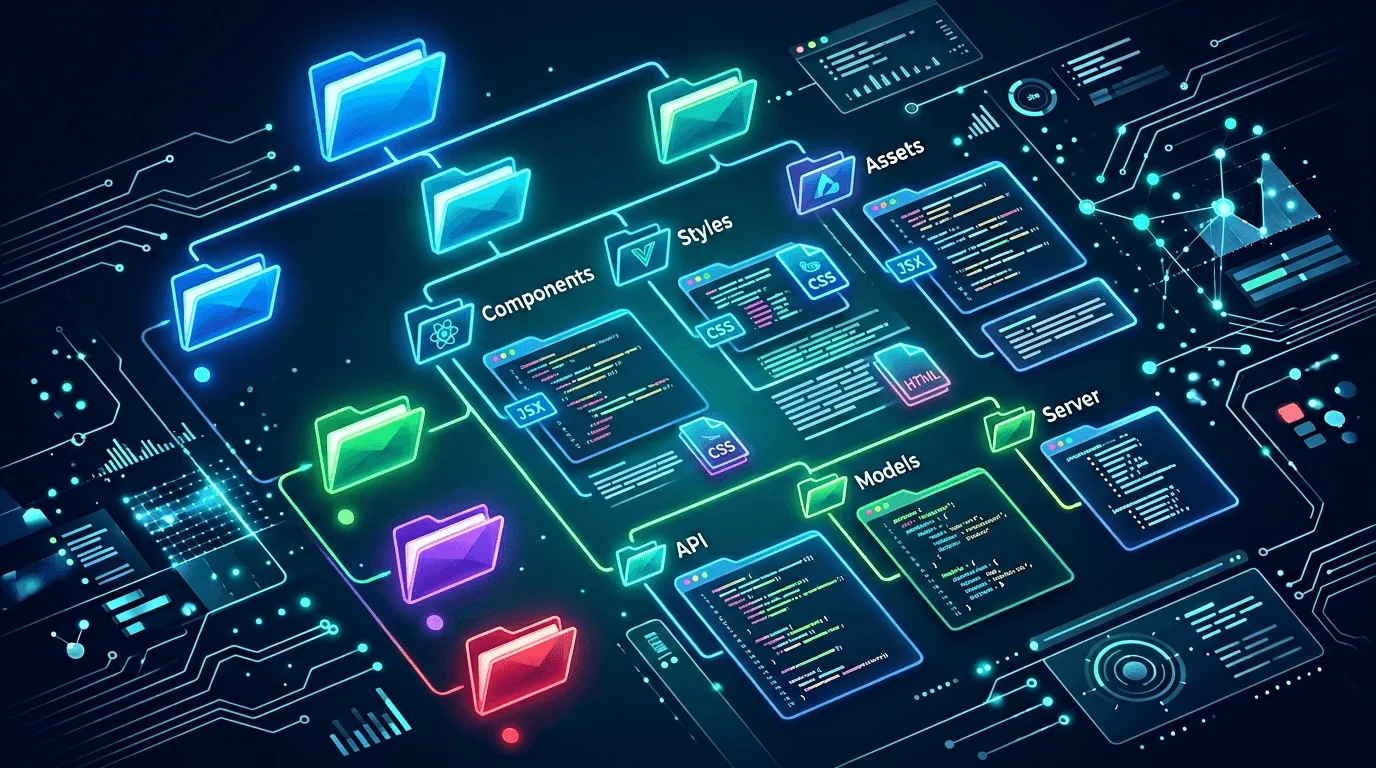
Learn how to organize your text expansion snippets for maximum efficiency. Discover folder structures, naming conventions, and organization strategies.

Learn essential security best practices for using text expansion tools. Protect sensitive information and maintain data security in your workflow.

Learn best practices for using text expansion in remote teams. Improve communication consistency, save time, and boost team productivity.

Complete guide to setting up voice-to-text with Lightning Assist. Learn how to use push-to-talk for hands-free text input and boost your productivity.

Compare Lightning Assist and AutoHotkey for text expansion and automation. Learn which tool is better for your workflow and productivity needs.